 Matt Transcriber
Transcribe WhatsApp voice messages in seconds
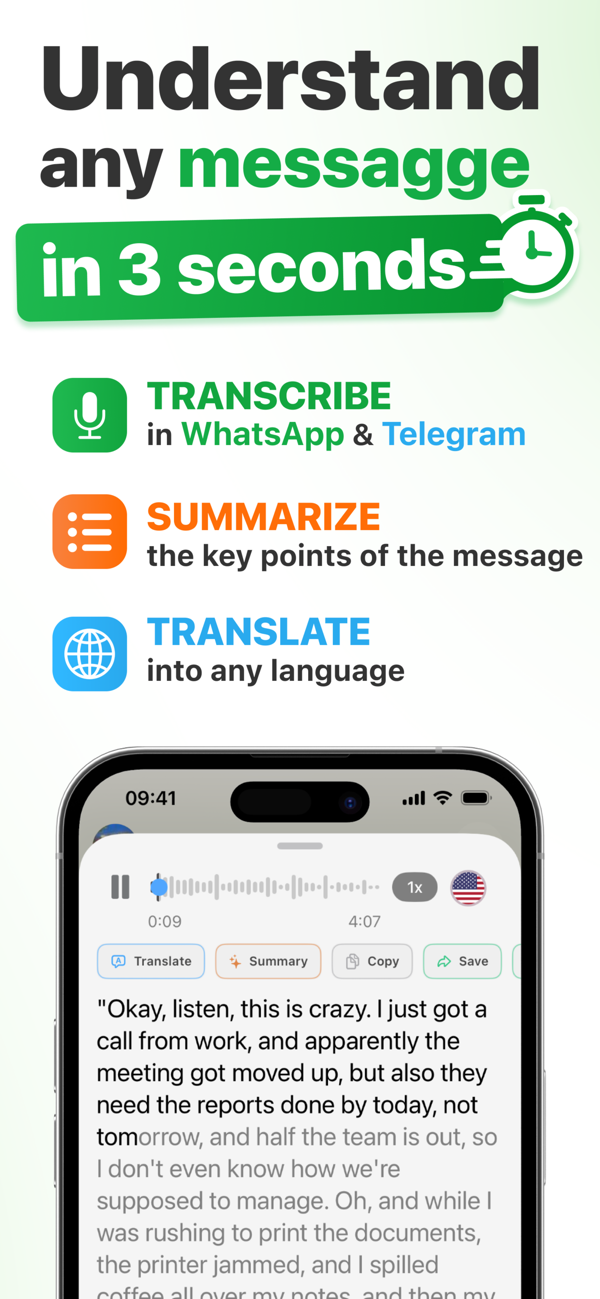
Matt turns WhatsApp and Telegram voice notes into text, summarizes them with AI and translates them into your language. Without leaving the chat: a 4-minute voice note becomes a 15-second read.

- Free to try
- 90+ languages
- Speaker recognition
- Offline on-device mode
From voice note to text in 3 steps
No setup, no bots, no copy-paste. Matt lives in the iPhone Share menu.
-
Long-press the voice note
Long-press the voice message and tap Forward (WhatsApp) or Select (Telegram). You can pick multiple voice notes at once.
-
Share with Matt
Tap the Share icon and choose Matt. Transcription starts instantly: language and speakers are detected automatically.
-
Read, summarize or translate
In seconds you get the full text. One tap to summarize, translate, copy or save it.
Much more than plain transcription
Accurate even with noisy audio
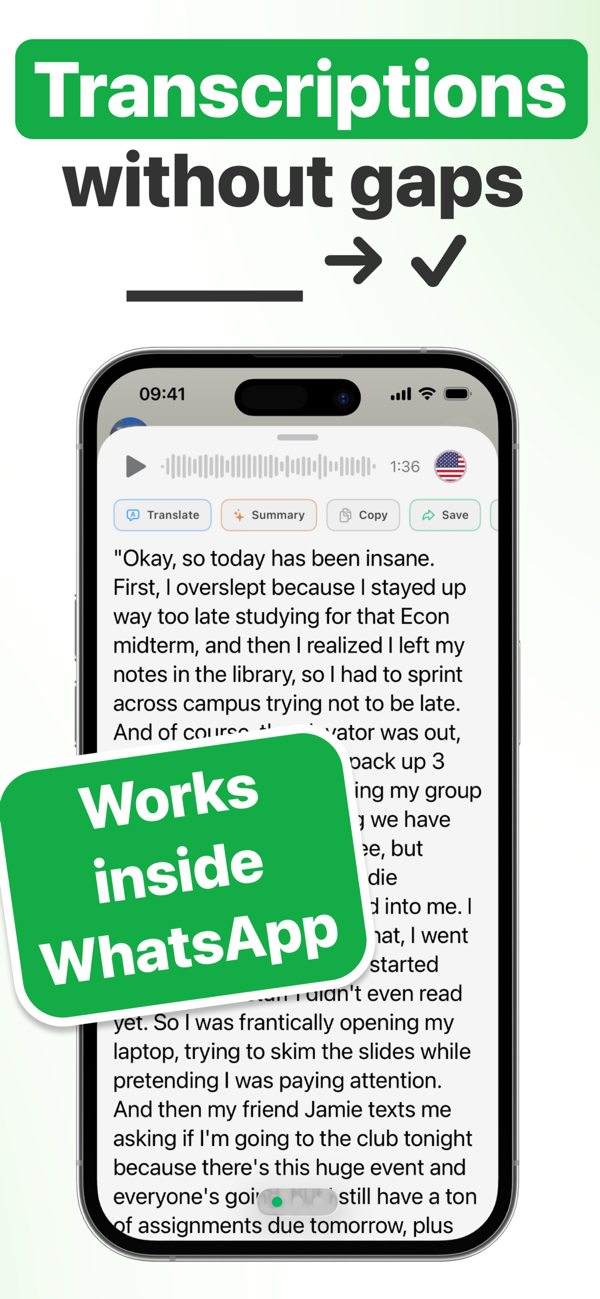
State-of-the-art AI speech recognition catches every word, even with background noise, strong accents or fast talkers. No dashes, no skipped words.
Recognizes different speakers
Group voice notes or forwarded audios? Matt tells the speakers apart and shows you who said what.
Detects the language automatically
No settings, no setup: Matt figures out the language by itself, even when several languages are mixed in one message.
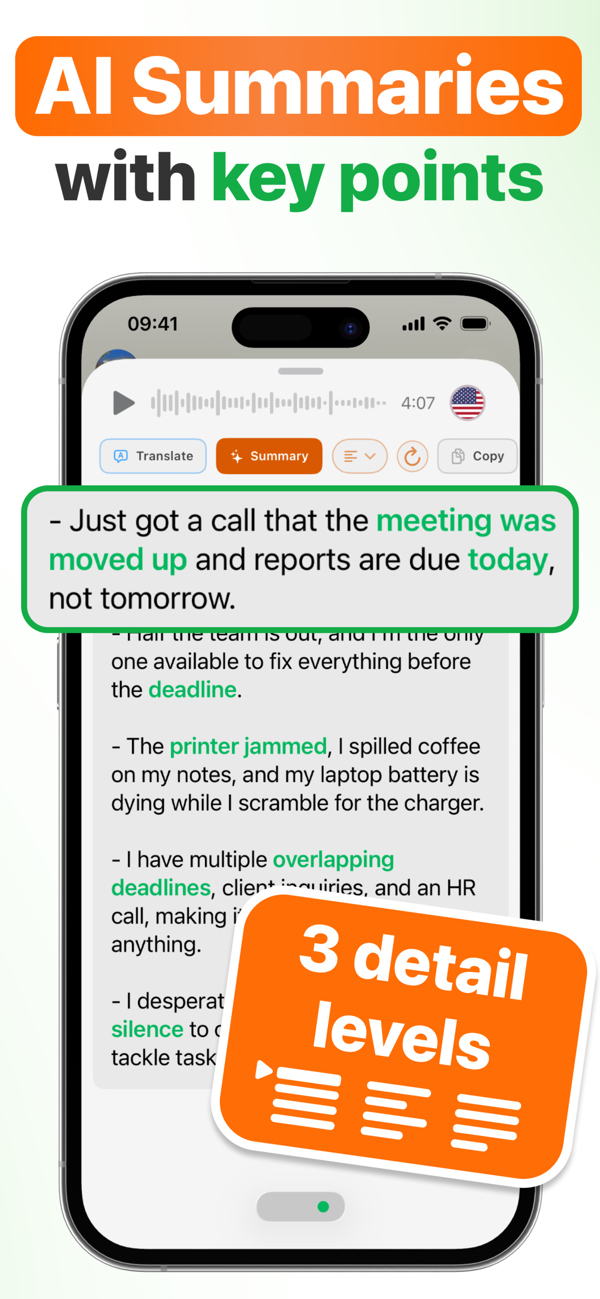
AI summaries with key points
A 7-minute voice note? An endless thread? The AI extracts the key points with 3 detail levels: Essential, Concise or Detailed.
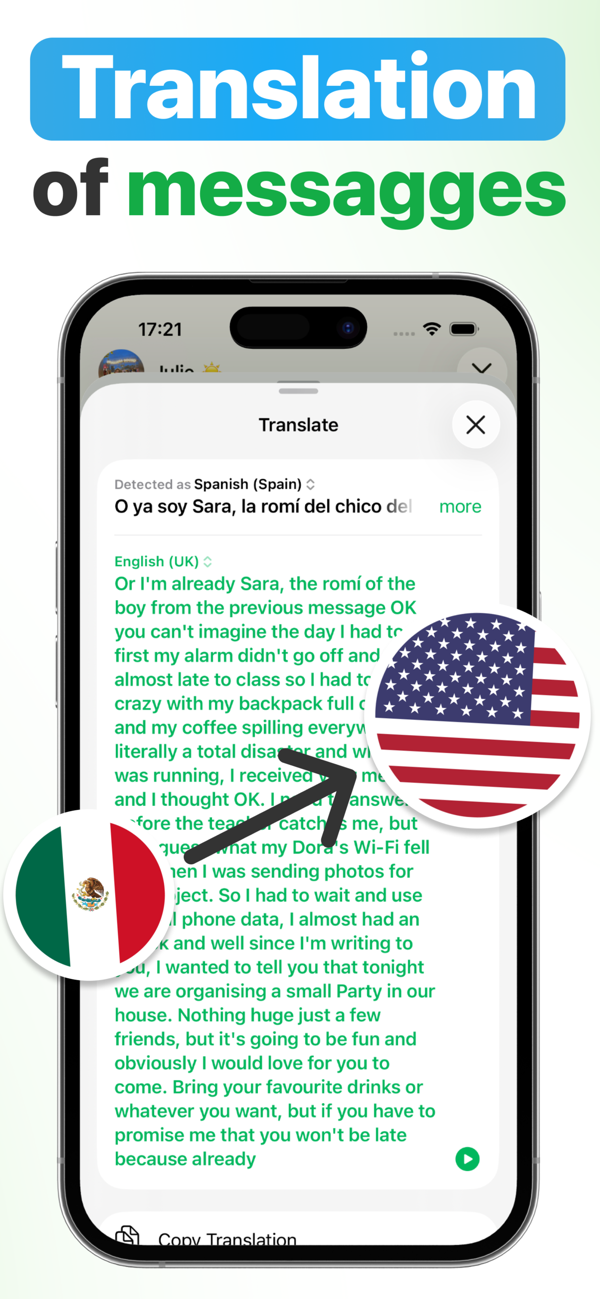
Real-time translation
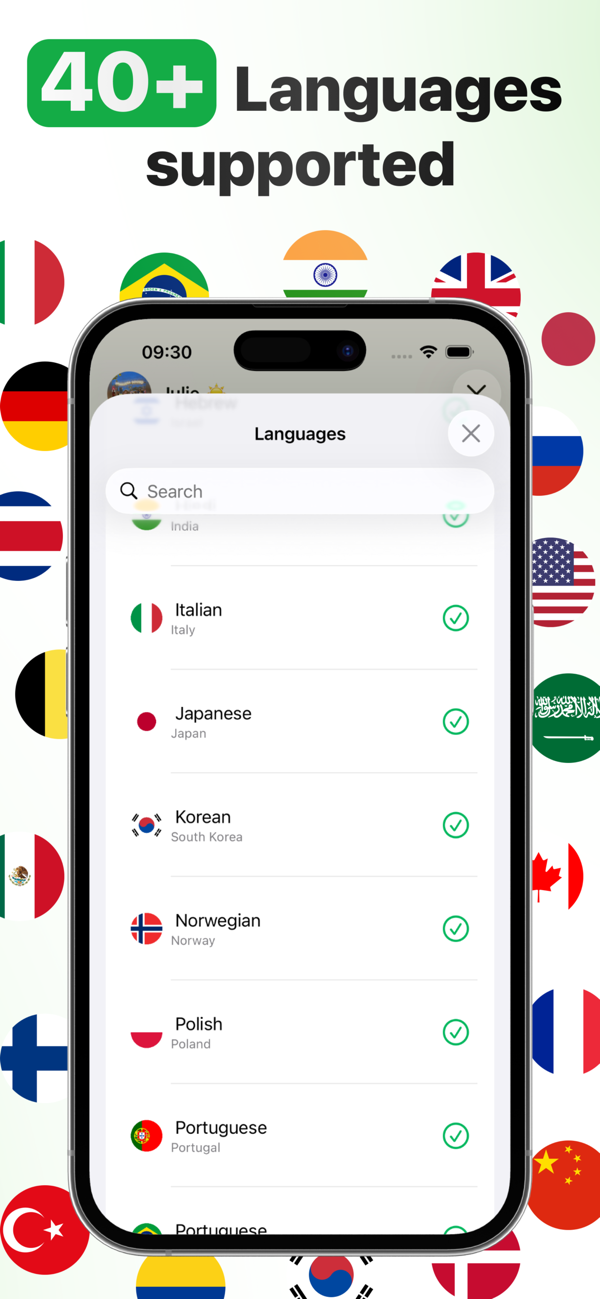
Getting messages in Spanish, French or Chinese? Matt transcribes 90+ languages and instantly translates into yours.
You choose your privacy
Two engines: AI transcription (Premium) on secure cloud where nothing is stored, or on-device transcription (Pro) running 100% on your iPhone, even offline.
Audio, video & documents
Import meetings, lectures, voice memos and even video files: Matt extracts the audio and transcribes it. Plus .txt and .pdf documents to summarize or translate.
Long texts too
A wall of text or an endless thread? Share it with Matt from WhatsApp or Telegram and get a summary and a translation.
Searchable archive
Save transcriptions and summaries in the app and find them again by content or date.
See Matt in action
Practical guides
Everything you can do with voice messages, explained step by step.
How to transcribe WhatsApp voice messages on iPhone
The complete guide to turning any voice note into text in seconds.
Read the guide →Convert WhatsApp voice messages to text
Every method to turn audio into text — and why Matt is the fastest.
Read the guide →Read voice messages without listening
In a meeting, in class or without headphones: read any voice note silently.
Read the guide →Summarize long voice notes with AI
7-minute voice notes distilled into key points, with 3 detail levels.
Read the guide →Translate WhatsApp voice messages
Understand voice notes in Spanish, Italian, Chinese and 90+ languages.
Read the guide →Transcribe Telegram voice messages
Matt also works with Telegram and any other messaging app.
Read the guide →Transcribe audio to text on iPhone
Meetings, lectures and voice memos: import any audio file and get the text.
Read the guide →Frequently asked questions
How do I transcribe WhatsApp voice messages on iPhone?
Is Matt free?
Can I read a voice message without listening to it?
Does it work with Telegram?
Can I summarize a long voice note?
Can I translate a voice message into my language?
Does it recognize who is speaking in a group voice note?
Do I need to set the language of the voice note?
Can I also transcribe meetings, lectures and audio files?
Is my audio safe?
Is Matt available for Android?
Stop listening to 7-minute voice notes
Download Matt for free and read your first voice message in seconds.