 Matt Transcriber
You're in a meeting and a 4-minute voice note arrives. You're in class, in the library, on public transport with no headphones. Or you simply don't want everyone around you hearing your business. In all these cases the question is the same: how do I know what a voice note says without playing it?
The answer: you read it. With Matt you turn the voice note into text in seconds, in total silence, without leaving WhatsApp.
Read a voice note silently, step by step
- Install Matt (free) on your iPhone;
- Long-press the voice note in WhatsApp → Forward → Share;
- Choose Matt in the share sheet;
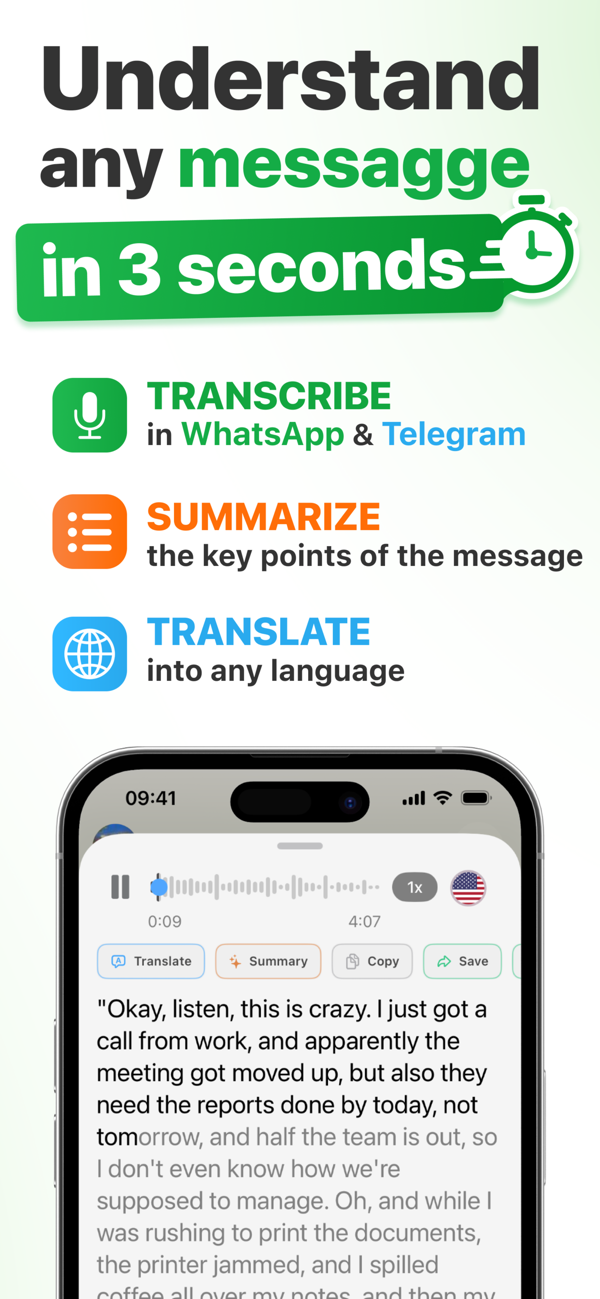
- Read the full text of the message: the audio is never played.
Why it beats turning the volume down
- Zero audio: the voice note is never played, not even at volume zero. Nobody around you hears a thing.
- Zero notifications to the sender: transcription happens on your phone; whoever wrote you gets no alert.
- Faster than listening: read a 3-minute voice note in 20 seconds. And if it's endless, summarize it with AI into key points.
- Actually private: you choose the engine: with on-device transcription (Pro) the audio never leaves your iPhone, even offline; with AI transcription (Premium) the audio is processed over an encrypted cloud connection, with your consent, and never stored.
💡 Typical scenario: work group chat, 6-minute voice note from your boss. Share → Matt → "Essential" summary: 5 key points in 10 seconds, and nobody in the office notices.

Read voice notes, don't listen to them
Download Matt for free and read your first voice note in silence. ★ 4.9 on the App Store.
Download on the App StoreFrequently asked questions
Does the sender get a notification if I transcribe their voice note?
No. Transcription happens entirely on your iPhone: the sender receives no notification.
Can I read a voice note in a language I don't understand?
Yes: Matt transcribes 90+ languages, detects the language by itself and translates the text into yours in real time, always silently.